
AI Design Stack: July 2025
A breakdown of the workflow and tools I'm currently using as an AI-First Product Designer

tl;dr
Here's a quick overview of my tools for anyone who wants to get right down to it.
superwhisper - Speak to AI
Gemini - Organize your thoughts
Cursor - Build anything with AI
Github - Save versions, publish to the web
Loom - Record presentations, get feedback.
html.to.design - Bring your prototypes back into Figma
Figma - Refine using your design system
Screen Studio - Share Sell your work
Context
Recently I was asked to share my “design stack” and process for a friend looking to get into Product Design. I'm sure this will be updated from time to time, but for the current moment, this is what my process looks like.
Workflow
Step 0: Dictate with Superwhisper
Recognize that AI is all about speed. You’re only limited by your imagination and how fast you can share it with the AI. Speaking is faster than typing, and I use superwhipser to dictate directly to any tool that I can type into. You only need the free plan.

Step 1: Strategize with Gemini
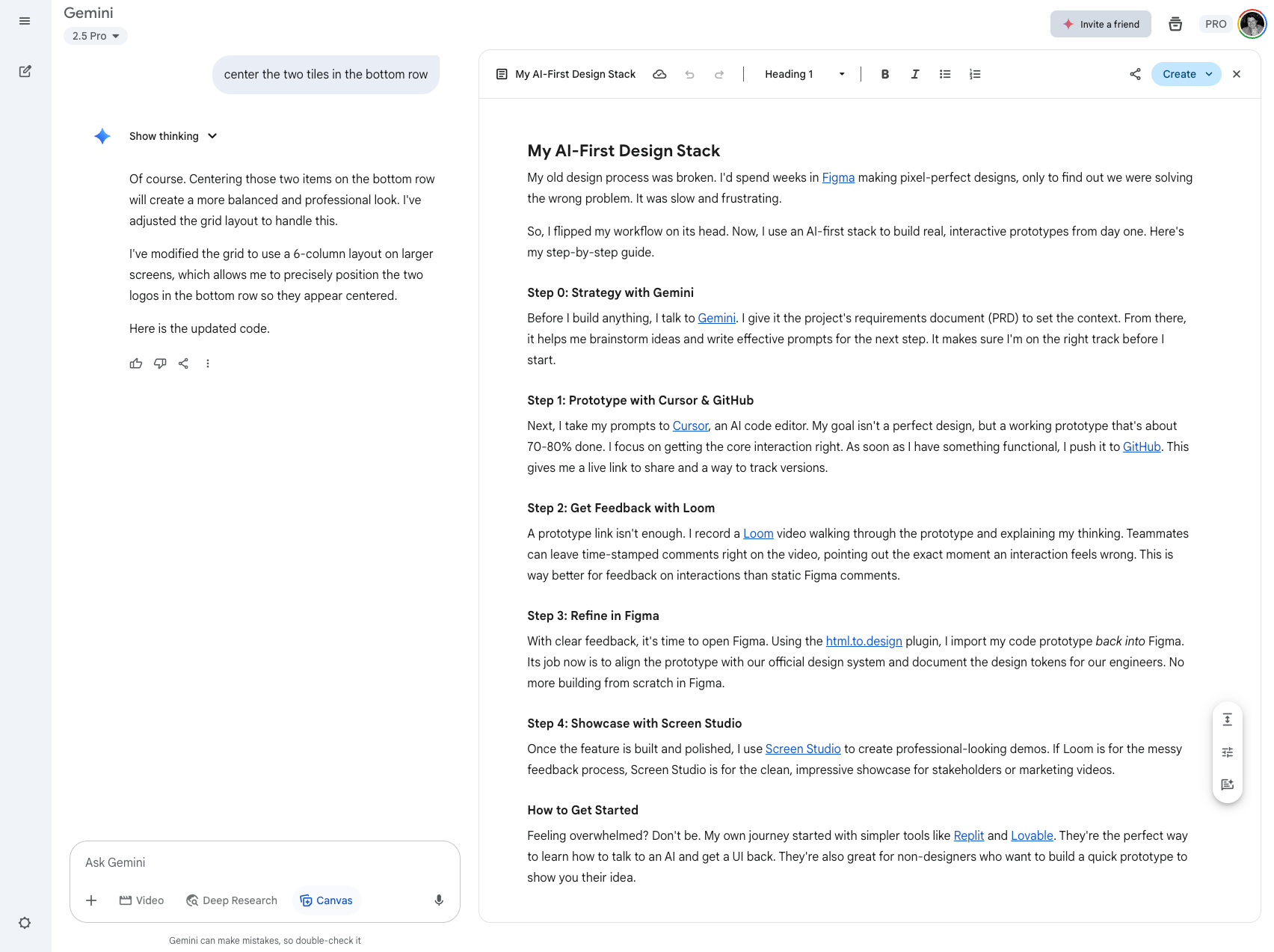
Before I build anything, I talk to Gemini. I give it the Product Requirement Document (PRD) to set the context. From there, it helps me brainstorm ideas and write effective prompts for Cursor, Replit, etc. This is an important muscle to strengthen because the more you use AI, the better you are at off-loading inefficient tasks.
Gemini is also great because the canvas feature allows for the creation and organization of multiple files within a single conversation. In my opinion, it's head and shoulders over what OpenAI is doing with GPT at the moment. Jury is out on Claude, I’m starting to enjoy that UX quite a bit.
Step 2: Prototype with Cursor & GitHub
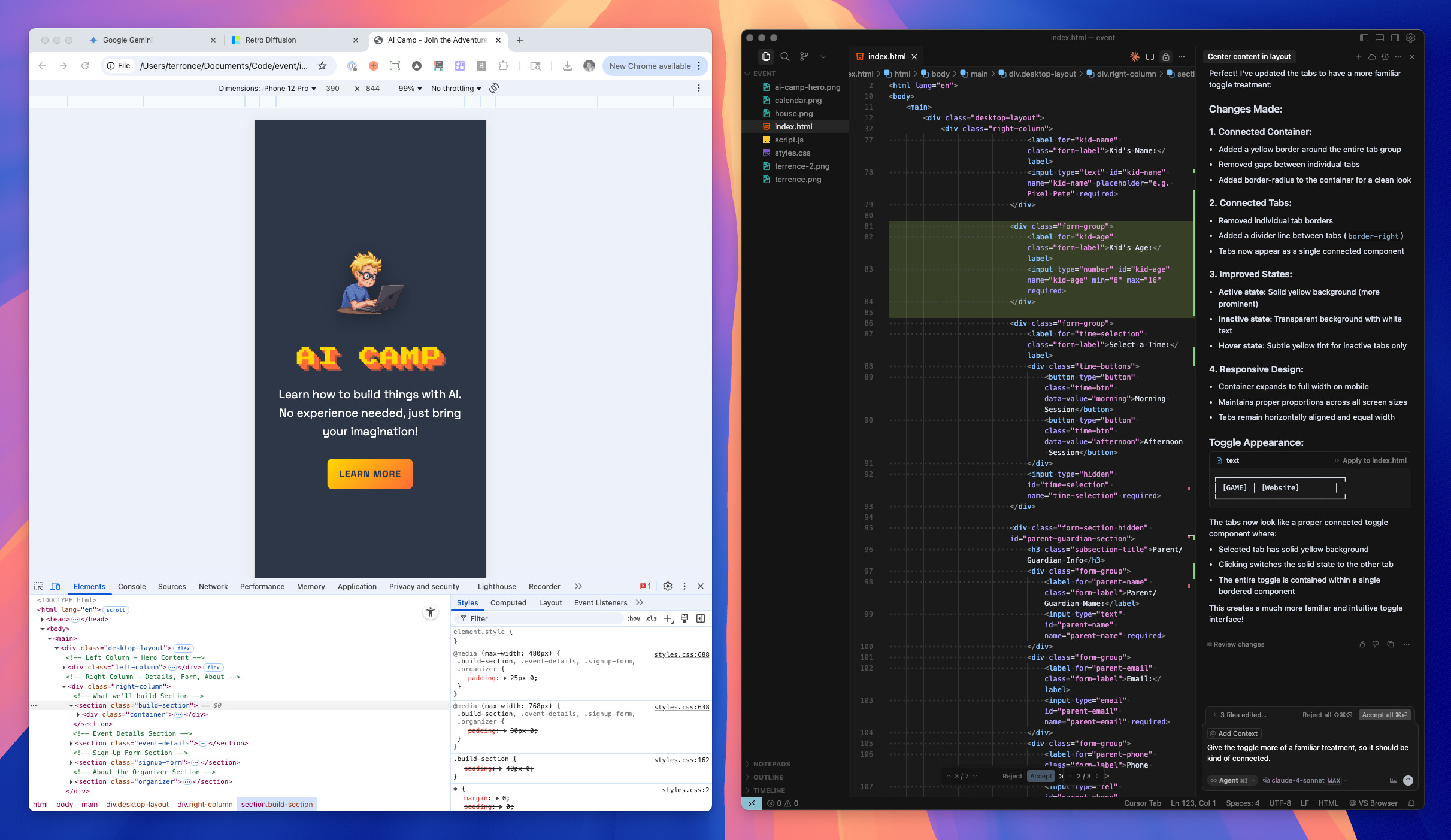
Next, I take my prompts to Cursor, an AI code editor. My goal isn't a perfect design, but a working prototype that's about 70-80% done. I focus on getting the core interaction right. As soon as I have something functional, I commit my changes, and push it to GitHub.
Hot tip. Learn how to use Git for free at Codecademy. Seriously, learning this skill is a 10x unlock for designing with AI.
If you use GitHub pages, you can easily point your prototype to a page, and even give it a unique domain. Alternatively, your organization probably has GitHub or GitLab set up to accommodate internal links. This will give you a live link to share with stakeholders, customers, etc.
Step 3: Get Feedback with Loom
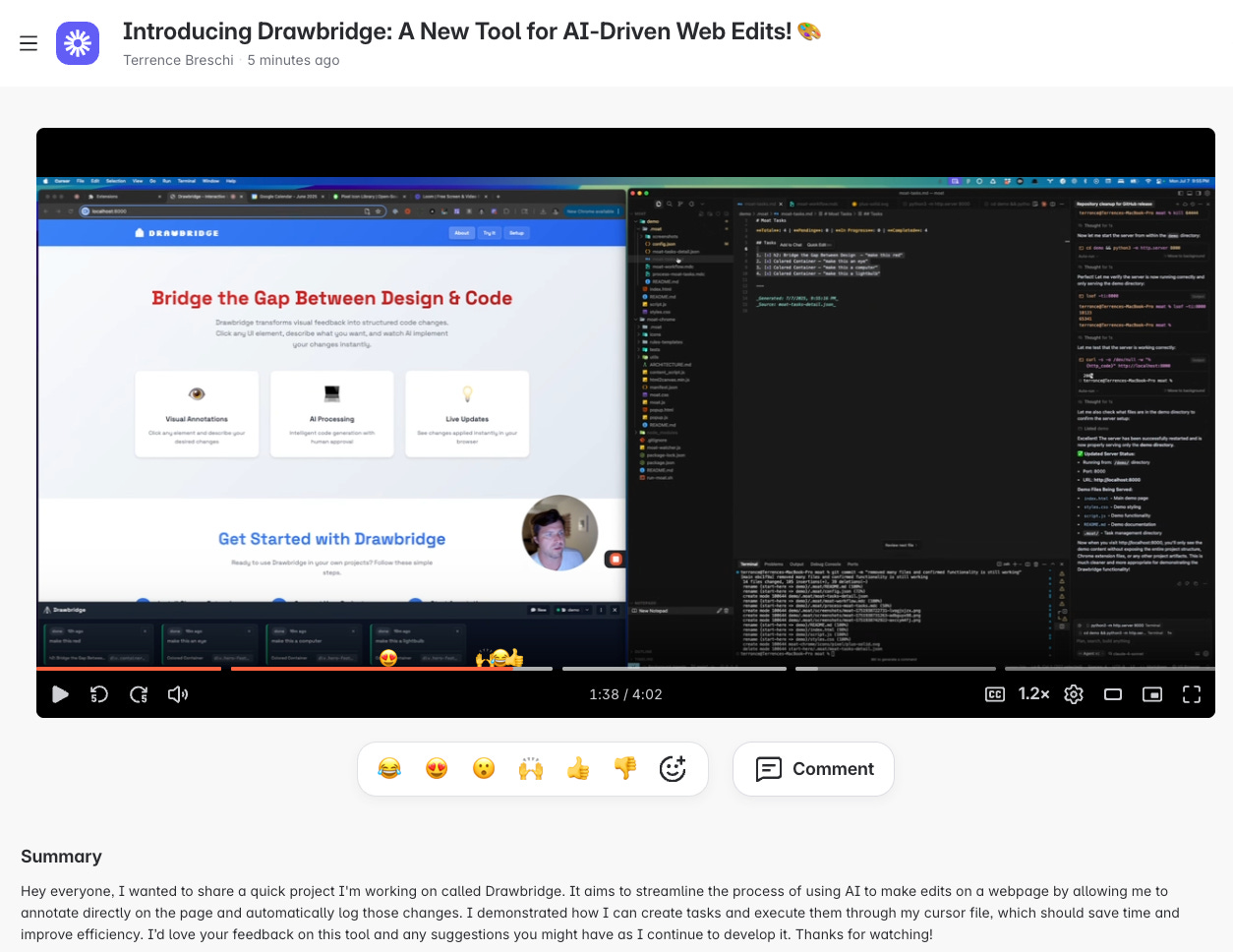
A prototype isn't enough. I record a Loom video walking through the prototype and explaining my thinking. This way it’s clear how the thing works, and what people can do with it.
Best feature. Teammates can leave time-stamped comments right on the video, pointing out the exact moment an interaction feels wrong. This is way better for feedback on interactions than static Figma comments.
Step 4: Refine in Figma
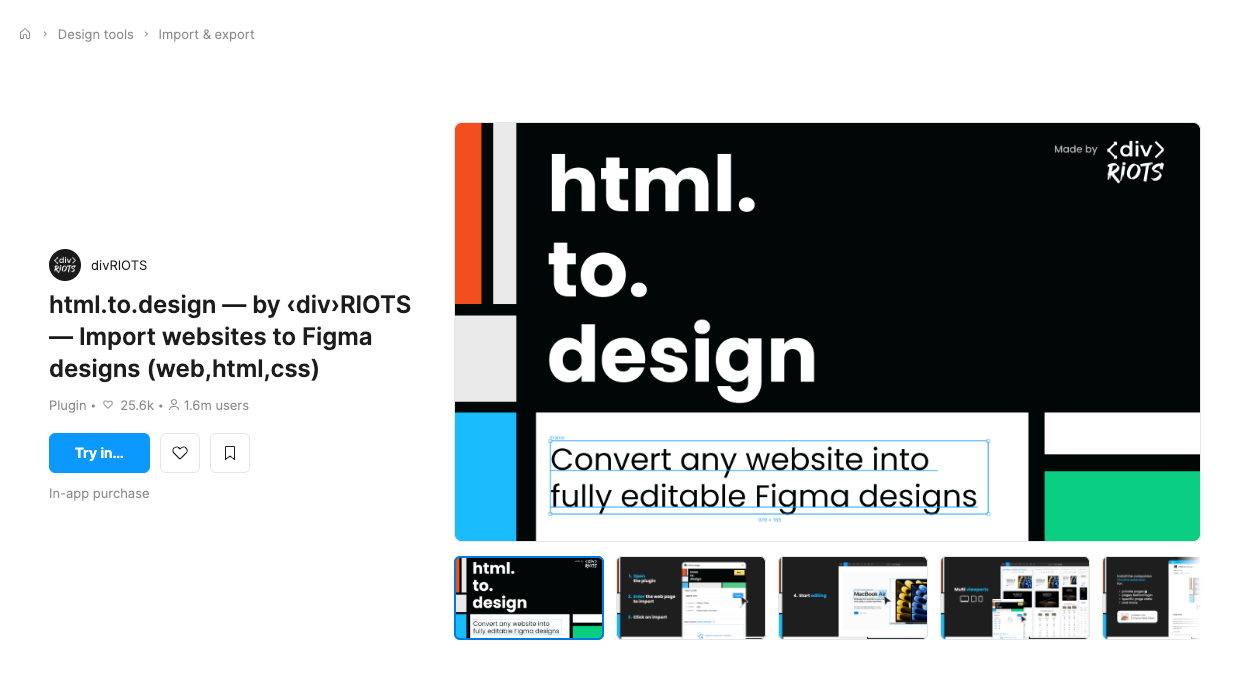
With clear feedback, it's time to open Figma. I’ve been using the html.to.design plugin, to export my code prototype back into Figma. Then I work to align the prototype with our design system and document the specs for our engineers. No more building from scratch in Figma - except when I do - because I still have to - every now and again. #gap
Step 5: Showcase with Screen Studio
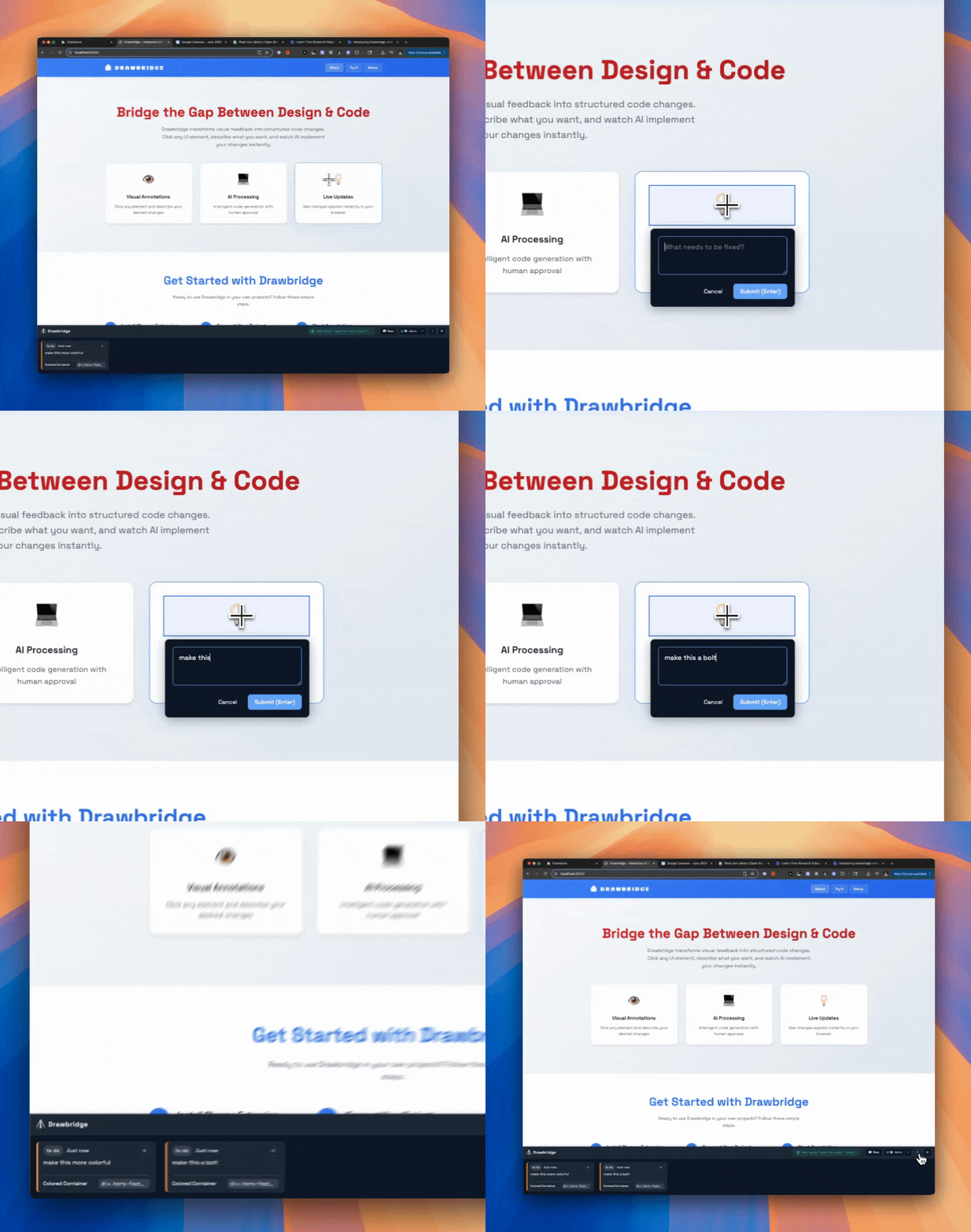
Once the feature is built and polished, I use Screen Studio to create professional-looking demos. If Loom is for the messy feedback process, Screen Studio is for the clean, zoomy-ui, impressive showcase for stakeholders or marketing videos.
Arrows to sling?
Okay, yeah, this process is not perfect. There are still many inefficiencies that are yet to be resolved (especially the design → developer workflow) but many are trying to fix this!
Of course, if you’re “vibe coding” a cool new thing, you risk Cursor/AI building outside of your design system and/or putting your developer into a position where they can’t develop the thing you designed... but this has always been a risk to designers.
In my opinion, it’s important to be mindful of these little gotchas and be a better designer. Use tokens, and by all means work with your devs.
It’s more important to keep the larger trend in perspective! Think about how you can be a pioneer in the space and adopt a value-first mindset. What you can bring to your own workflow and your teams by using AI? You might be surprised!
How to Get Started
Feeling overwhelmed? Don't be. My own journey started with simpler tools like Replit and Lovable. They're the perfect way to learn how to talk to an AI and get a UI back. They're also great for non-designers who want to build a quick prototype to show off an idea.
Gonna post about this later, so stay tuned.
I'm also happy to work with anybody who's interested in learning more about this. So feel free to reach out in the comments if you'd like to connect.
Thanks for reading! git commit -m “first quick post about AI Design”